The top AI and tech tools freelancers need in 2026 include ChatGPT and Claude (AI assistants), Perplexity (research), Notion and ClickUp (project management), Canva and Figma (design), Grammarly (writing), Zapier (automation), and Adobe Creative Cloud. Around 77% of freelancers now use AI, reporting 20-40% productivity gains. Most offer capable free tiers.
Freelancing in 2026 is no longer just about skill, it is about systems, speed, and smart tools. The freelancers who are winning today are not necessarily working harder; they are working smarter, using AI, automation, and productivity tools to save time, improve quality, and scale their income without adding hours.
This is not hype. Industry data shows around 77% of freelancers now use AI tools, and those who do report productivity gains of 20-40%. Even more striking, workers with AI skills reportedly command a significant wage premium. Below are the 10 tools genuinely worth your attention in 2026, what each does, honest guidance on picking them, and a Pakistan-specific practical layer at the end.
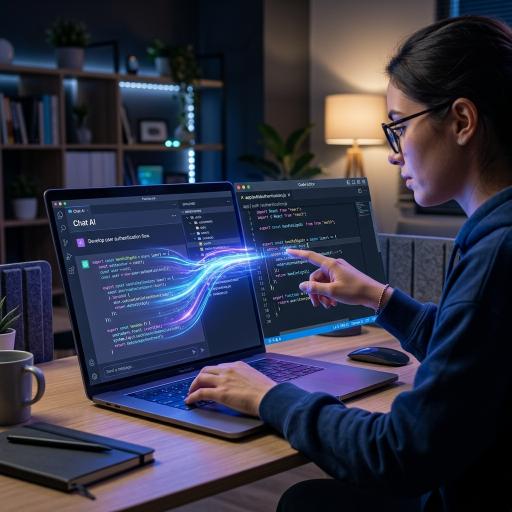
ChatGPT (by OpenAI) remains the best all-around AI assistant for most freelancers. It handles writing, coding help, client communication drafts, brainstorming, and structuring complex information, all in one interface.
The smart way to use it is for structure and first drafts, not final output. Freelancers report cutting the time to produce a 1,000-word blog post from around three hours to about 90 minutes when using it consistently. Think of it as a capable assistant that removes friction from your work, while you provide the direction and final judgment. Cost: free tier available; ChatGPT Plus around $20/month.
Claude (by Anthropic) is widely regarded by independent reviewers as the strongest choice for long-form content, document analysis, and tasks needing nuanced reasoning. Freelancers working on detailed reports, research documents, or complex editing often prefer it for these tasks. (Disclosure: Claude is made by Anthropic; this description reflects independent reviewer consensus, not our own claim.)
Reviewers frequently note that what sets it apart is judgment, its ability to handle detailed briefs and complex reasoning carefully. Many writers and consultants use it alongside ChatGPT, picking whichever suits the task. Cost: free tier available; Claude Pro around $20/month.
Perplexity is the standout research tool for freelancers in 2026. Unlike a standard chatbot, it searches the live web and provides answers with cited sources, pulling from academic papers, news outlets, industry reports, and official sites.
This makes it invaluable for writers, marketers, and consultants who need accurate, current, verifiable information fast. A common power-workflow is pairing Perplexity (for research) with an AI assistant like Claude or ChatGPT (for writing) to produce research-backed content at speed. Cost: free tier available; Perplexity Pro around $20/month.
Notion is far more than a note-taking app, it can serve as your entire freelance operating system. Freelancers use it for project management, client tracking, content calendars, and even as a simple CRM, all in one workspace.
With Notion AI built in, it can summarize notes, generate templates, auto-fill client briefs, and draft documents inside your existing workspace. It is ideal for organizing multiple clients and keeping your whole business in one place. Cost: generous free tier; paid plans add AI and team features.
For freelancers juggling many clients or scaling toward an agency, ClickUp is a powerful project management platform. It handles task tracking, deadlines, and collaboration, with more structure than lighter tools.
It is especially useful once your workload grows beyond what a simple to-do list can handle. If Notion feels too open-ended for your project tracking, ClickUp offers a more structured system. Cost: free tier available; paid plans for advanced features. (Choose one primary project manager, Notion or ClickUp, rather than both, to avoid scattering your workflow.)
Canva lets even non-designers create professional visuals quickly, social media posts, presentations, simple client deliverables, and more. Its huge template library and AI features (background removal, text-to-image, magic resize) make design accessible to any freelancer.
For writers, marketers, VAs, and social media managers, Canva is often all the design capability you need. Cost: strong free tier; Canva Pro around $15/month for premium features.
For freelancers doing serious design work, Figma is the industry standard for UI/UX design and prototyping. Its real-time collaboration makes it ideal for remote work, clients can view and comment on designs live.
If you are a web, app, or product designer, Figma is essential. If you only need occasional simple graphics, Canva is enough. Cost: free tier for individuals; paid plans for teams.
Clear communication wins and keeps clients. Grammarly helps you fix grammar, improve tone, and maintain professionalism across emails, proposals, and reports. For freelancers working with international clients, it is especially valuable for polished, confident communication.
While general AI assistants can also edit text, Grammarly's real-time, always-on checking integrates smoothly into everything you write. Cost: free tier available; Grammarly Pro around $12/month billed annually.
Zapier connects your different tools and automates repetitive tasks, sending invoices, creating tasks from emails, managing leads, and moving data between apps, without any coding. Automation like this can save hours every week that you would otherwise spend on manual admin.
It is best once you have a few tools in your workflow that need to talk to each other. Even a few simple automations can meaningfully reduce non-billable busywork. Cost: free tier for basic automations; paid plans for more.
For serious creatives, Adobe tools like Photoshop and Premiere Pro remain the industry standard for image and video editing. Their 2026 versions include powerful AI features (generative fill, auto-editing, enhanced masking) that speed up editing and reduce manual effort.
This is essential for professional designers, photographers, and video editors, though it is a bigger investment and overkill for those who only need simple visuals (use Canva instead). Cost: subscription, higher than the other tools; choose based on whether pro creative work is your core service.
The shift is backed by real numbers, not just opinion. Freelancers spend a large share of their time, often estimated at 40-50%, on non-billable tasks like emails, proposals, and admin. Tools that automate or speed up this work directly free time for billable, high-value work.
The financial stakes are significant too. According to PwC's 2026 AI Jobs Barometer, workers with AI skills command around a 56% wage premium, up sharply from the previous year. And Gartner reported that a large majority of freelance platforms now incorporate AI features. The message is clear: AI fluency has become a genuine competitive and financial advantage.
For Pakistani freelancers competing globally, these tools are especially powerful, and here is the practical reality.
Start free. You do not need to pay for everything. A strong starter stack of free tiers, Claude or ChatGPT (writing), Perplexity (research), and Canva (design), covers the three most common freelance needs at zero cost. This matters when you are building income and watching every rupee.
Budget realistically when you scale. As you earn more, upgrading one or two core tools (around $20/month each) is a smart investment that pays for itself in time saved and higher-quality work. Pick the paid tools that map directly to your core service, rather than subscribing to everything.
Mind the payment method. These are dollar subscriptions, so you will typically need a dollar card or a service like Payoneer (which most Pakistani freelancers already use for earnings) to subscribe. Free tiers avoid this entirely.
Use tools to overcome local constraints. Automation and AI help you deliver faster and compete on quality with freelancers anywhere in the world, helping offset challenges like time zones or infrastructure. A skilled Pakistani freelancer with a good tool stack can genuinely compete with anyone globally.
One honest caution on the Urdu/local angle: most of these tools work best in English, which suits international client work but is weaker for Urdu content, an area where local tools are still catching up.
Here is the most important principle, and every honest expert repeats it. The freelancers who win in 2026 are not those who avoid AI, nor those who let AI do everything blindly. They are the ones who integrate tools into a system, use them for execution, and focus their own energy on strategy, judgment, and client relationships.
AI handles the repetitive execution, first drafts, research gathering, formatting, admin. You handle the strategy, quality control, creativity, and human connection that clients actually pay for. Tools that produce work you do not review or understand are a liability, not an asset. The winning formula is simple: strong skills plus smart tools, with you always in control.
Also, do not fall into the trap of collecting tools. The freelancers who fail with AI try to use every tool at once; those who succeed pick two or three that fit their work and go deep.
The direction is clear. AI and automation tools are becoming standard equipment for freelancers, not optional extras. In the coming years, the gap between average and top freelancers will increasingly be defined by how well they use tools and build systems, not just raw skill.
Expect tools to get more capable and more integrated, with AI woven into every platform. The freelancers who stay curious, keep learning new tools, and build efficient systems around them will be best positioned. Those who refuse to adapt will find it harder to compete on speed and price.
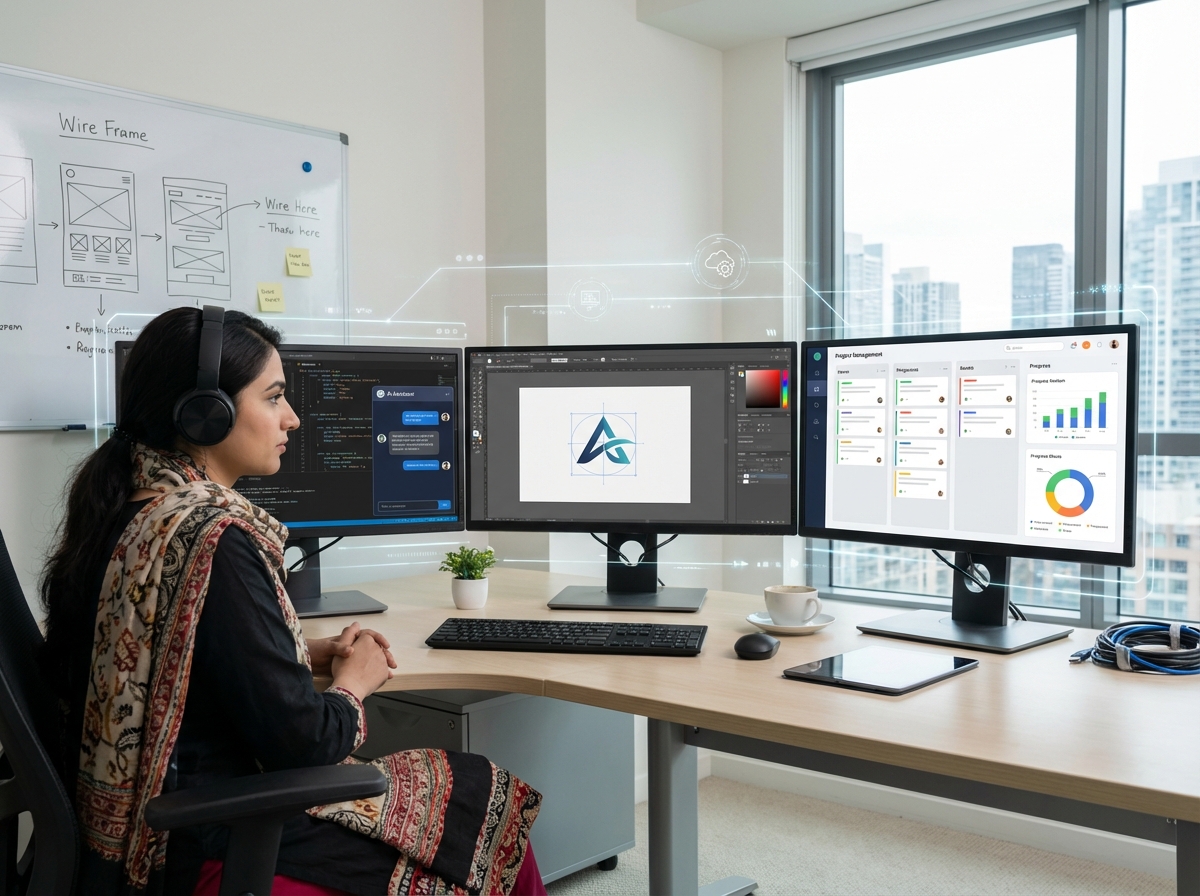
Freelancing in 2026 is no longer just about what you can do, it is about how efficiently and intelligently you can do it. The right stack, an AI assistant, a research tool, a project manager, a design tool, and automation, can save you hours, raise your quality, and grow your income without adding hours to your week. The best part is you can start free and add paid tools as you grow. But remember the golden rule: these tools amplify your skills, they do not replace them. Master a couple that fit your work, build systems around them, and focus your energy on the high-value thinking only you can do. Do that, and you will not just keep up in 2026, you will get ahead.
This article is for general informational purposes only and reflects tools, features, and pricing available in 2026, which change frequently. Statistics are as reported by cited industry sources. Disclosure: Claude is developed by Anthropic; its description here reflects independent reviewer consensus. This is not financial advice.
Freelancing in 2026 increasingly depends on tools, systems, and AI, not just skill. Around 77% of freelancers now use AI tools, reporting 20-40% productivity gains, and PwC's 2026 AI Jobs Barometer found workers with AI skills command roughly a 56% wage premium. Freelancers spend an estimated 40-50% of time on non-billable admin, which tools help reduce.
The top 10 tools by use case: (1) ChatGPT (OpenAI), best all-round AI assistant for writing, coding help, and client communication (~$20/month, free tier); (2) Claude (Anthropic), preferred by independent reviewers for long documents, analysis, and nuanced reasoning (~$20/month, free tier); (3) Perplexity, best research tool with cited web sources (~$20/month, free tier); (4) Notion, "freelance operating system" for project management, client tracking, and CRM, with built-in AI (free tier); (5) ClickUp, structured project management for multi-client/agency work (free tier); (6) Canva, fast professional design for non-designers (~$15/month Pro, strong free tier); (7) Figma, industry-standard UI/UX design and collaboration (free tier); (8) Grammarly, professional writing and tone (~$12/month, free tier); (9) Zapier, no-code automation of invoices, tasks, leads (free tier); (10) Adobe Creative Cloud, industry-standard pro image/video editing with AI features (subscription).
Key advice: pick two or three tools that match your core service and go deep rather than collecting many; most tools offer capable free tiers, so you can start at zero cost (e.g., Claude/ChatGPT + Perplexity + Canva). Tools amplify skills but don't replace strategy, judgment, or review.
Pakistan note: free tiers let freelancers compete globally at no cost; dollar subscriptions typically need Payoneer or a dollar card; tools work best in English (weaker for Urdu).
Informational only; tools/pricing change; Claude is made by Anthropic (description reflects independent reviews).